How the Notepad++ Updater Attack Worked
In early 2026, reports disclosed that the update mechanism for Notepad++ had been compromised.
Many headlines implied that the application had been hacked or that millions of users worldwide were suddenly at risk. However, the truth was far more nuanced.
This isn’t and has never been a vulnerability in Notepad++, nor was it a widespread infection as we have seen in the past.
Instead, it was a targeted supply chain attack that exploited the infrastructure used to deliver the Notepad++ updates, not the software itself. According to the latest reports, only a small group of carefully chosen victims were exposed.
Let’s take a closer look at how the attack works.
How the Notepad++ Attack Worked (Explained Simply)

Let’s first understand how Notepad++ normally updates itself in order to understand this security incident.
Notepad++ uses a small tool called WinGup to check for new versions of the application. Under normal circumstances, WinGup:
- Make a request to the Notepad++ update server for a small XML file
- It then reads the version number inside that XML file
- If there is a new version, it starts downloading the official installer

This is the expected process. However, what did the attackers actually do then?
Most people believe that the attackers hacked the Notepad++ code, replaced files on the official servers, or even distributed the malicious update to everyone, which is not true.
The attackers infiltrated the hosting provider’s network infrastructure, which houses the update servers.
This enabled them to intercept and modify traffic between WinGup and the update server.
The simplest way to picture it is that when WinGup asked the server for the XML file, the attackers could see the traffic because they were in the network, and they could see the request BEFORE it reached the real server.
Then they could choose whether to let the request pass untouched to the servers, as is customary, or to respond with a fake XML file.
We must understand that the XML file is not rocket science and can be replicated by anyone. It looks like this:
<?xml version="1.0" encoding="UTF-8" ?>
<GUP>
    <NeedToBeUpdated>yes</NeedToBeUpdated>
    <Version>8.6.2</Version>
    <Location>https://download.notepad-plus-plus.org/repository/8.x/8.6.2/npp.8.6.2.Installer.x64.exe</Location>
    <ReleaseNotes>https://notepad-plus-plus.org/news/v8.6.2-release/</ReleaseNotes>
    <Signature>AB12CD34EF56...</Signature>
</GUP>They forged a new XML file, which tells Notepad++ back at your device, “Hey yes, so, you need to update via the <NeedToBeUpdated> and you can take the download from here <Location>.”
In a nutshell, they changed the location to point to a malicious installation, which was essentially just a modified version of Notepad++ that also contained a backdoor in the installation.
This strategy enabled the attackers to remain invisible, avoid modifying official servers, prevent triggering mass infections, and selectively target only the victims they cared about. This is why the compromise took months to be discovered.
This was a threat for general home users, but as previously stated, it appears that only a small number of users were affected.
For enterprises, as long as the auto-update feature in Notepad++ was disabled (as recommended in the best practices of each organization), they would be fine. WinGup only runs when automated updates are enabled or when the user manually clicks “Update Available”, that is it.
In enterprise environments, tools like Winget, Chocolatey, or other types of internal software distribution systems such as Intune, MECM, do not use WinGup. These tools do not fetch XML files from Notepad++ update servers, and they download trusted installers.
In other words:
- If your organization updated Notepad++ using WinGet or a centralized deployment system, you completely avoided the compromised update channel.
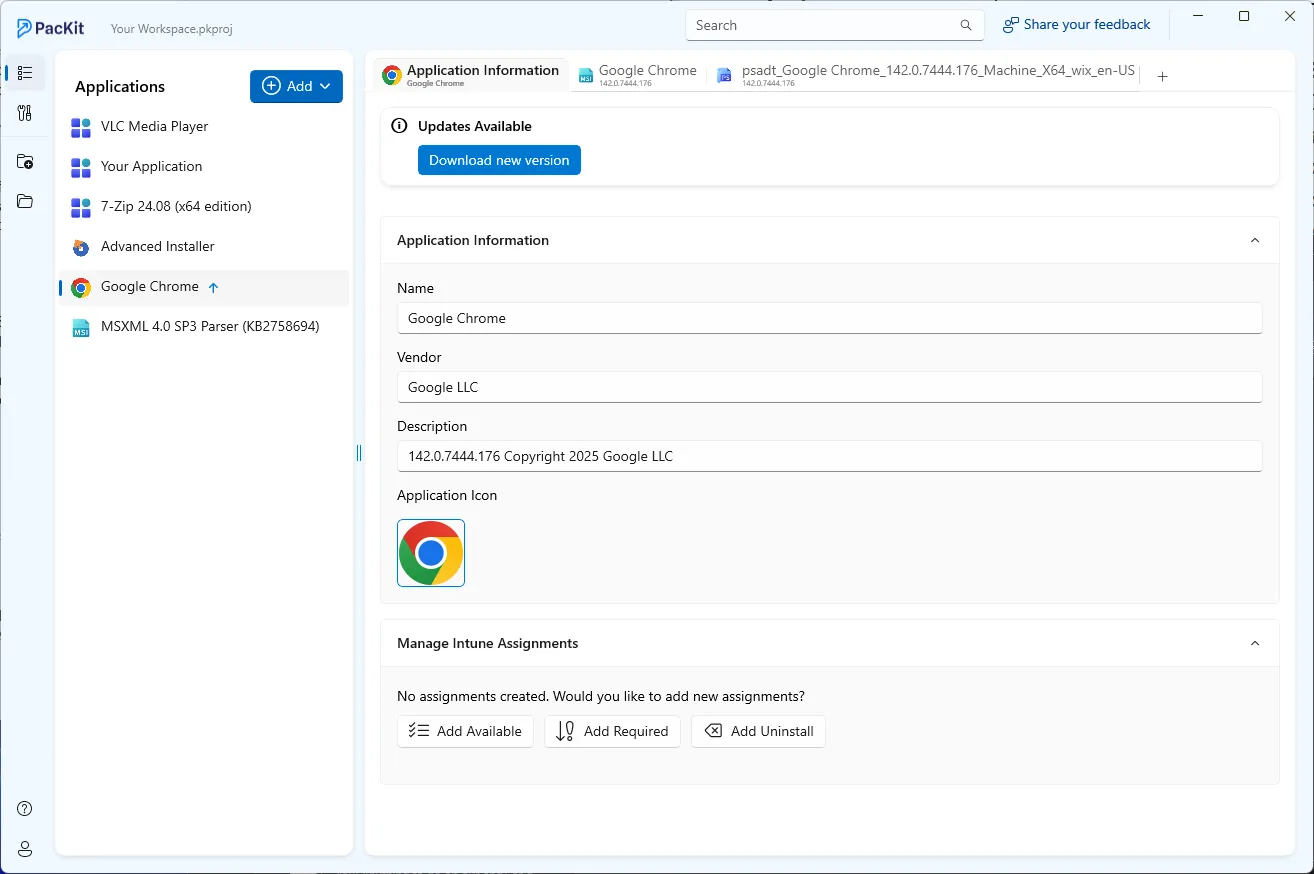
- To avoid these kinds of issues, organizations use their own software management tools and software packagers. Tools like Advanced Installer or PacKit are excellent tools for software packaging and deployment, and I highly recommend them if you are not familiar with enterprise management solutions.
For IT professionals: you may have noticed that the XML file also contained the <Signature> field and wondered why this didn’t stop the attack. And, of course, you’re thinking of digital signatures, which are designed to help exactly in these situations. Technically, you are right.
In theory, the <Signature> field in the XML is meant to prevent this kind of attack. WinGup is supposed to download the installer, verify its cryptographic signature, and refuse to run if the signature does not match.
However, the signature check was not as strong as the people thought. WinGup signature verification had weaknesses such as:
- It did not always verify the installer’s full cryptographic signature
- It used a custom signature mechanism, not a modern, hardened one
- The XML signature field was not tied to a secure, tamper‑proof signing process
- The trust model assumed the update server was honest
This meant that if the attackers had control of the network path, they could provide a fake XML file, a fake signature, and a malicious installer, and WinGup would accept them because it blindly trusted the XML file.
In other words, the signature was not a true cryptographic guarantee but rather a checksum that an attacker could forge.
Some more experienced security professionals may ask at one point: when does WinGup “skip” the installer signature?
To clarify, WinGup signature verification wasn’t a strictly cryptographic, enforced Authenticode check.
So the real issue was not that WinGup “skipped” the checks at random. Rather, the checks weren’t strong enough and could be bypassed when the attacker controlled the XML file. Why is that?
WinGup did not independently verify that the signature came from the real Notepad++ developers.
Instead, it simply compared the installer’s signature/hash to the value provided in the XML file. If the attacker controlled the XML file, then they could insert a fake signature and then provide the malicious installer with a matching fake “signature.”
So the checks were misdesigned, not “skipped,” as many people believe.
Final Takeaways
This incident was a reminder that headlines often blur technical nuance and that not every supply chain story means the application code itself has been breached. What happened here was subtle, selective, and rooted in misplaced trust within the update path rather than in Notepad++ as a product.
- This was not a vulnerability inside Notepad++ itself but a targeted supply chain attack that exploited the update delivery channel at the infrastructure level.
- The attackers did not compromise official servers or push a malicious update to everyone, as they intercepted and manipulated traffic in a controlled manner, affecting only carefully selected victims.
- The weakness was not the existence of a signature field but the trust model behind it. WinGup relied on data delivered through an untrusted channel and compared signatures against values that the attacker could also control.
- Signature verification is only as strong as the mechanism enforcing it. A custom or loosely validated approach cannot replace strict, independently verifiable cryptographic checks such as properly enforced Authenticode validation.
- Enterprises that disabled auto updates or used centralized deployment systems such as Winget, Intune, or MECM effectively bypassed the compromised channel entirely and remained insulated from the attack.
Security failures are rarely dramatic explosions of broken code. More often, they are quiet trust failures hiding in plain sight.
Conclusion
The Notepad++ incident was not a catastrophic hack of the application itself, but a precise and stealthy supply chain attack aimed at a small number of selected victims.
The attackers didn’t alter the official software or its servers. Instead, they manipulated the surrounding hosting infrastructure, injecting fake update instructions only when they wanted to.
For everyday users and especially for organizations that rely on controlled update mechanisms like winget, the risk was extremely low.
For the cybersecurity community, the incident served as a reminder that even trusted update channels can be exploited when attackers gain access to the infrastructures around them.
Don’t forget to subscribe to our blog for more application packaging industry news, and check our user guide for updates.
Written by

Alex Marin
Application Packaging and SCCM Deployments specialist, solutions finder, Technical Writer at Advanced Installer.