


Digital Signature Page for Updater

In this tab you can configure the digital signature of your Updates configuration project.
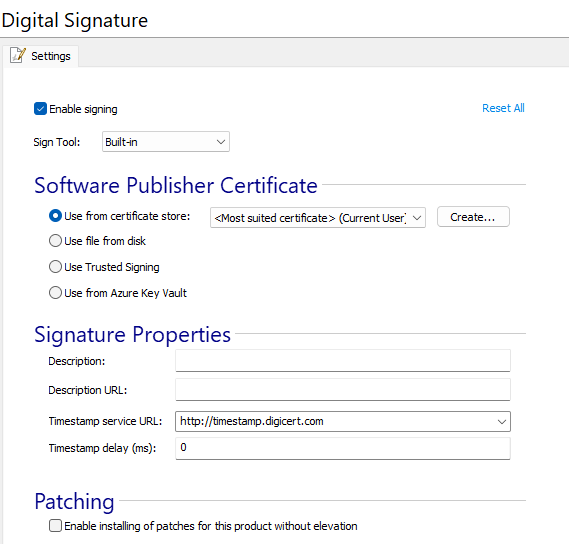
In this view you can configure the settings for digitally signing the updates configuration file.
The settings are similar to the ones from the Digital Signature page from the Installer Project. For more detailed information regarding each setting see this article : Settings Tab - Installer Project
This is how the Digital Signature feature works on you Updater Configuration Project:
- A catalog file(*.cat) will be generated from the build output of your project (the Updater Configuration file)
- The catalog file will be signed with the method selected in this view
- The user should upload the signed catalog file to the server by the user
 In case you use our Updater Cloud Service,
the output files - the updates configuration file and the signed catalog file) will be
automatically uploaded to the cloud.
In case you use our Updater Cloud Service,
the output files - the updates configuration file and the signed catalog file) will be
automatically uploaded to the cloud.