


Shortcut Properties Tab

You can edit the name of a shortcut and set its target using this dialog.
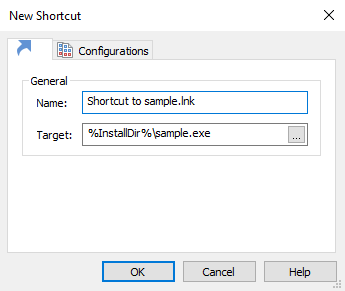
General
Name
The name of the shortcut file. It will be visible to the user.
 The name must end with .lnk extension.
Target
The full project path of the shortcut's target. It is either a file or a directory. Use the button to change the shortcut's target.